


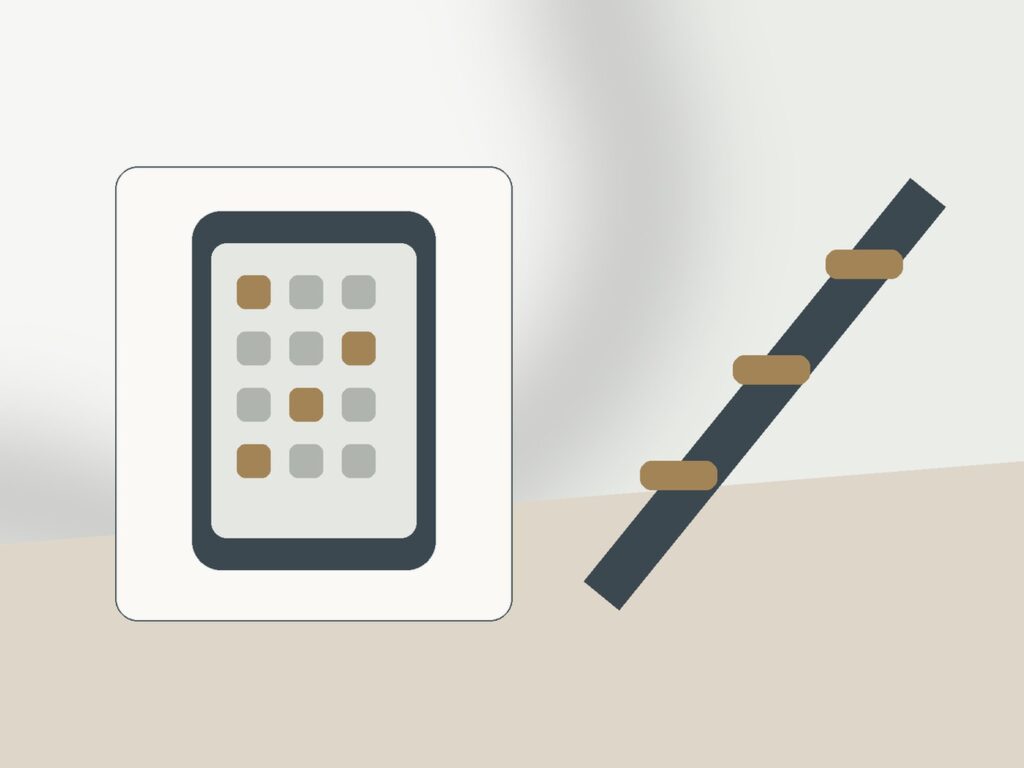
Friction is a pause inserted into an automatic chain. The purpose of friction is not punishment. It is to make a fast default require one extra movement or decision at the point where intention usually gets skipped.
Think of friction as interface design for your future self. The obstacle changes the path so a reflex becomes a recognizable decision.
Where a small obstacle creates leverage
Friction works because many unwanted actions are fast and automatic. An extra search, password, walk across the room, or waiting period can create enough time for intention to catch up.
The strongest friction is specific. Removing every app, disabling every payment method, or blocking the entire web often creates collateral inconvenience that encourages you to undo the system.
Friction can be physical, digital, temporal, or social. Moving a phone, logging out, removing a shortcut, creating a purchase delay, or asking for an accountability check all slow different behaviors.
A good obstacle does not need to feel dramatic. It only needs to appear at the exact point where the unwanted default currently has no pause.
Friction has a useful asymmetry: it should be stronger for the unwanted path than for the alternative. If you log out of a feed but the replacement activity requires finding equipment in another room, the feed may still win. Put the book beside the chair, leave the work document open, or keep the shopping list visible before the trigger arrives. This turns friction from a pure obstacle into a directional design. You are not merely slowing one behavior; you are changing the relative effort between two possible next actions.
This article therefore concentrates on friction mechanics at the first automatic action, not trigger discovery or the replacement behavior itself. Remove visibility first Move the cue out of sight: hide an app icon, close the shopping tab, put the controller away, or stop promotional alerts. Add one small extra step Log out, charge the phone in another place, put the remote in a cabinet, or remove saved checkout details. Add time friction when a small step is too easy Use a waiting period, scheduled blocker, timed container, or protected focus window for behaviors that feel urgent in the moment. Change the environment for repeated bypasses Move the behavior to one device, one room, or one planned time so the choice does not appear everywhere.
Questions worth answering before you change the setup
- What is the first physical or digital action in the unwanted sequence?
- Is visibility, speed, location, or unlimited access the easiest point to change?
- What will fill the moment created by the pause?
- How long should I keep a friction rule?
Place friction at the right point
1. Map the action chain
Write the cue, first movement, shortcut, and completion point. Friction belongs early in the chain, before momentum has built.
2. Choose the lightest obstacle that creates a pause
Start with moving an icon, logging out, removing a saved card, closing a tab, or placing the device farther away. Test before escalating.
Protect essential functions Do not make authentication, accessibility, safety, caregiving, work, or household responsibilities fragile just to create a stronger barrier. Pair friction with an easier preferred path Put the book on the pillow, open the work document first, place the walking shoes by the door, or prepare another low-effort response.
3. Protect the useful pathway
If the same app or site has legitimate functions, create a slower intentional route rather than blocking it completely. Search, bookmarks, or scheduled access can preserve utility.
4. Make bypassing visible
A friction tool fails silently when you bypass it without noticing. Use a short note, extra confirmation, or physical action that makes the override conscious.
A realistic example For repeated phone checking, you first remove social icons, then place the phone on a shelf, and only later add a focus schedule if needed. For shopping, you remove alerts, log out, delete saved cards, and use a waiting list.
5. Pair friction with a replacement
The pause works better when you know what to do next. Put the alternative in the same environment: book by the charger, shopping list beside the browser, or task note beside the blocked site.
6. Remove friction that only creates annoyance
After a week, keep obstacles that changed decisions and delete those that merely slowed necessary work. Effective friction is selective, not punitive.
Common mistakes that make the system weaker Jumping immediately to the harshest restriction. Adding friction to important tasks along with the unwanted habit.
Friction should be ethically and practically safe. Do not create obstacles that prevent urgent communication, medication access, necessary transportation, security recovery, or essential financial tasks. The best targets are optional behaviors with clear alternative routes, not systems whose failure could create real harm.
Choose friction by location in the behavior chain
Classify friction by type before choosing a tool. Physical friction changes location: a phone across the room or card left at home. Digital friction adds steps: logout, hidden icon, blocker, or removed autofill. Temporal friction adds waiting: a timer, cooling-off period, or scheduled review. Informational friction requires a question or list before action. Different behaviors respond to different types. A shopping checkout problem may benefit from payment and waiting friction, while automatic phone pickup may respond better to location and visibility. Matching the friction type to the failure point reduces the need for heavy restrictions.
Keep friction reversible when the behavior has legitimate uses. Logging out of a social platform is reversible; deleting an important account may not be. Removing a saved card is reversible; freezing every financial account is excessive for an impulse-shopping problem. Moving a phone charger is easy to undo; disabling critical accessibility functions is not. Prefer changes that slow an optional path without creating long recovery work. This makes experiments safer and also improves learning: if a small reversible obstacle changes behavior, you have identified a useful leverage point without paying a large convenience cost.
Watch for adaptation. A friction step can lose effect when you learn to bypass it automatically, just as a shortcut becomes habitual. If that happens, do not simply stack more obstacles. Ask whether the trigger changed, whether the alternative is still attractive, or whether the friction is located too late in the sequence. Sometimes moving one step earlier is enough. For example, hiding a shopping app may fail if promotional email still sends you directly to product pages; the better intervention may be removing the email cue. Friction works best as a maintained design, not a permanent wall.
Use friction at checkout only when checkout is the failure point. If you spend an hour browsing before deciding, payment friction arrives too late to protect that hour. If you open a feed automatically, hiding the icon may matter more than any timer. If you keep returning because of notifications, remove the cue. A short behavior map prevents you from installing the right technique in the wrong place.
Combine only compatible friction steps. Logging out plus removing a shortcut may reinforce the same goal; adding a complicated password, blocker, physical distance, and timer together can make the system brittle. Start with one or two layers, then observe. A smaller system gives clearer feedback about which obstacle actually changed the behavior.
Retire friction when the target behavior is no longer a problem or when the context changes. An obstacle that once helped can become needless inconvenience; the system should remain responsive rather than permanent by default.
Troubleshoot repeated bypassing
You bypass the obstacle automatically
Move the friction earlier in the chain or make the bypass require a different location or device.
The obstacle blocks useful work
Separate contexts. A work browser profile, scheduled access period, or allowed utility can preserve the necessary function.
You keep adding stronger restrictions
Return to the trigger map. If the cue is stress or boredom, stronger access barriers alone may not address the reason you keep trying to bypass them.
The system becomes invisible over time
Refresh the environment rather than adding complexity: move the charger, change the shortcut layout, or renew the waiting rule at a meaningful transition.
Creating a barrier without deciding what to do in the pause. Treating every bypass as failure instead of information about the design. Leaving an obsolete restriction in place after your needs change. If you always defeat the same barrier in the same way, strengthen that one layer or preserve the legitimate need that the system overlooked.
A shopping chain with three pauses
You notice that boredom leads to opening a shopping app from the first Home Screen, then one-tap checkout makes purchasing almost effortless. You remove the icon, sign out, and delete the saved card. Shopping is still possible, but the sequence now contains three moments where you can decide whether the purchase is actually worth continuing.
The environment creates the pause automatically; you still make the final choice, but you do not have to remember to create the pause every time. If it blocks legitimate needs or is annoying all day, you may remove the whole system. Some become permanent defaults; others are temporary and can be reduced when the behavior is no longer automatic.
Review whether the obstacle changed decisions
Review friction by asking which obstacle actually changed a choice. An extra login that you bypass every time is noise; a removed shortcut that repeatedly creates a pause is leverage. Keep the smallest set of obstacles that alter behavior and restore convenience where it adds no risk.
Related guides and current reference pages
- How to Identify the Trigger Behind an Unwanted Habit
- How to Replace a Habit Instead of Leaving an Empty Gap
- The 72-Hour Rule for Shopping: How to Use It in Real Life
Bottom line: Use friction where automation is strongest. A small obstacle placed precisely can outperform a broad restriction that you eventually dismantle.