How to Stop Scrolling First Thing in the Morning
Morning scrolling is usually decided before you are fully awake. The phone is already beside the bed, an alarm or notification gives you a legitimate reason to touch it, and the feed is one tap away. That means the useful intervention is not a heroic promise to avoid the internet before breakfast. It is a short wake-up sequence that separates the first necessary phone task from the first expandable one.
Make the wake-up sequence visible
Start by deciding what the phone genuinely needs to do during the first ten or fifteen minutes. An alarm, weather check, calendar glance, medication reminder, or urgent family message may be useful. Instagram, news, Reddit, Shorts, and email triage are different because they can expand without a natural stopping point. Put the useful tasks on one side of the line and feeds on the other so the rule is based on function rather than on whether a screen is technically involved.
The physical route matters. If the alarm is on the nightstand and the social app sits on the first Home Screen, you are asking a sleepy brain to make an unnecessary decision. Move the feed off the first screen, use a widget or lock-screen shortcut for the useful task, or place the phone far enough away that standing up happens before browsing. Then give the body a next action such as opening curtains, drinking water, washing your face, or starting coffee.
Build a morning route that does not begin with a feed
1. Separate the useful first action from the feed
If the phone is your alarm, weather check, or family-message device, decide exactly which of those actions is allowed first. Close that task rather than letting it become a bridge into the social app beside it.
2. Move the feed out of the wake-up path
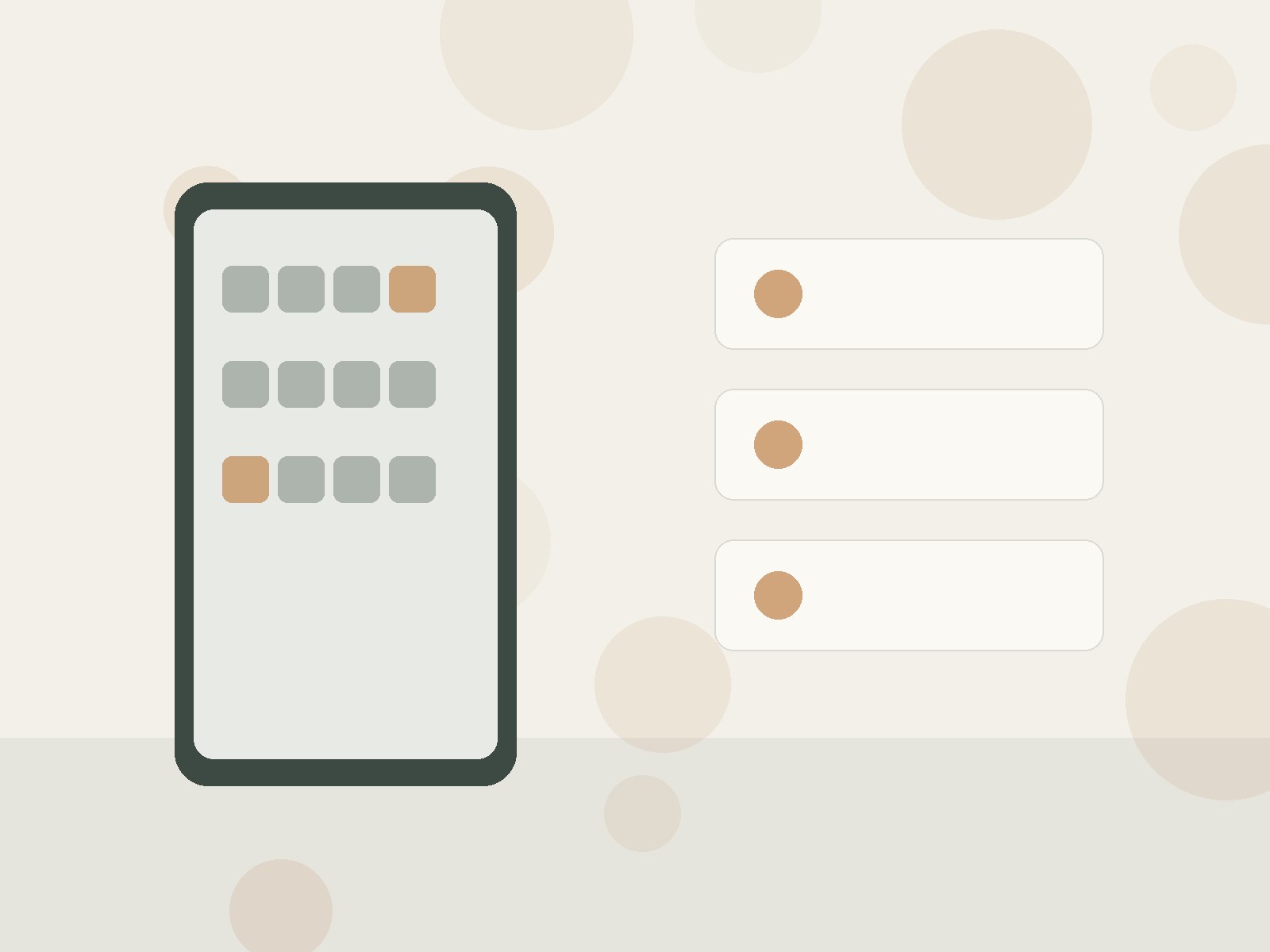
Remove social shortcuts from the first Home Screen, use a Focus profile, or sign out of the app that most reliably expands. The change should make the feed require a deliberate second decision.
This page focuses on feed scrolling during the first part of the morning, rather than all-day phone use. Morning scrolling is usually a sequence problem: the phone is already within reach, the first useful action on it opens the same device that contains feeds, and there is no competing first routine.
3. Give the first ten minutes a physical job
Choose a sequence that begins away from the screen: curtains, water, washing, dressing, breakfast, a short walk, or preparing a bag. A defined action beats an empty promise to “stay off the phone.”
4. Use a clock-based opening time only when it fits your life
A rule such as “feeds after 8:30” can work if mornings are predictable. If schedules change, tie the boundary to an event instead: after breakfast, after leaving home, or after the first study/work block.
The most effective change is therefore to redesign the first ten to thirty minutes rather than trying to win an argument with yourself while still half awake. Relevant starting points include stopping first-thing phone checking , building a phone-free morning .
5. Protect exceptions without reopening everything
Allow calls or messages from specific people if necessary. An exception should preserve communication, not restore every feed and notification to the first minutes of the day.
6. Review the first trigger, not your whole screen-time total
After a week, ask whether the first social-media opening moved later and became more deliberate. That is the relevant result even if your total daily screen time did not fall much.
Separate the useful first action from the feed If the phone is your alarm, weather check, or family-message device, decide exactly which of those actions is allowed first. Close that task rather than letting it become a bridge into the social app beside it.
Handle alarms, messages, and necessary exceptions
The phone is also your alarm, so every morning begins with a legitimate touch.
When this specific problem appears—the phone is also your alarm, so every morning begins with a legitimate touch.—redesign the first ten minutes around that exact cause instead of adding a wider all-morning ban.
A family or work message genuinely needs early attention.
When this specific problem appears—a family or work message genuinely needs early attention.—redesign the first ten minutes around that exact cause instead of adding a wider all-morning ban.
You move social apps but open them through Search anyway.
When this specific problem appears—you move social apps but open them through search anyway.—redesign the first ten minutes around that exact cause instead of adding a wider all-morning ban.
Weekends have no clear first activity, so the feed fills the gap.
When this specific problem appears—weekends have no clear first activity, so the feed fills the gap.—redesign the first ten minutes around that exact cause instead of adding a wider all-morning ban.
What to watch during the first week
Imagine waking at 7:00. You silence the alarm, check only the calendar widget because the day has one early appointment, then put the phone on a shelf while you open the curtains and make coffee. At 7:20, after breakfast begins, you decide whether to check messages. The difference is not a twenty-minute ban; it is that the first feed session no longer gets to choose the shape of the morning before you do.
Useful observations from the original workflow
Move the feed out of the wake-up path Remove social shortcuts from the first Home Screen, use a Focus profile, or sign out of the app that most reliably expands. The change should make the feed require a deliberate second decision. Give the first ten minutes a physical job Choose a sequence that begins away from the screen: curtains, water, washing, dressing, breakfast, a short walk, or preparing a bag.
A defined action beats an empty promise to “stay off the phone.” 4. Use a clock-based opening time only when it fits your life A rule such as “feeds after 8:30” can work if mornings are predictable. If schedules change, tie the boundary to an event instead: after breakfast, after leaving home, or after the first study/work block.
Protect exceptions without reopening everything Allow calls or messages from specific people if necessary. An exception should preserve communication, not restore every feed and notification to the first minutes of the day. Review the first trigger, not your whole screen-time total After a week, ask whether the first social-media opening moved later and became more deliberate.
That is the relevant result even if your total daily screen time did not fall much. You move Instagram off the Home Screen, set a morning Focus that still allows family calls, place the phone on a shelf two steps from the bed, and decide that feeds open only after breakfast. The first two mornings you still search for Instagram automatically; by day four the physical routine of standing, opening the curtains, and starting breakfast happens before the urge to search appears.
If the first check keeps returning
If you repeatedly reopen the feed after a necessary alarm or message, reduce the number of decisions in that moment. Use a separate alarm clock, put priority contacts on an allowed list, or move the social app deeper into App Library. If a work schedule genuinely requires early communication, define the one work channel that is allowed and keep entertainment surfaces outside that exception.
Track the first expandable app you open, the time of that first open, and whether it was planned. Those three facts tell you more about the morning loop than a whole-day screen-time total. A successful week might still include social media every morning; the improvement is that it begins after an intentional transition instead of in the first half-awake minute.
Keep the system current
Morning routines change with travel, children, shift work, illness, and seasons. Keep the boundary attached to an event you can recognize—getting out of bed, entering the kitchen, finishing breakfast—rather than assuming one clock time will always fit. Revisit the rule when the context changes, not every day.
Questions that come up in practice
Morning boundaries often raise practical questions because alarms and urgent messages live on the same device as feeds.
Do I need to leave the phone outside the bedroom?
No. Distance can help, but the essential change is that the first useful phone task does not flow directly into the feed. Start with the lightest friction that changes that sequence.
What if I need messages for work?
Keep the necessary communication path available and block or hide only the expanding content. A targeted exception is more sustainable than reopening every notification.
Is a morning timer enough?
A timer can support the boundary, but it works better when placement, Home Screen design, and the first physical routine also reduce automatic opening.
Related guides and current references
- How to Stop Checking Your Phone First Thing in the Morning
- How to Create a Phone-Free Morning
- 7 Day Phone Free Morning Challenge
- Screen Time Calculator
- How to Keep One Social App Without Reinstalling the Rest
- What to Do With the First 10 Minutes After You Put Social Media Away
Practical takeaway
The durable morning boundary is the one that makes the first feed session intentional without interfering with the small phone tasks your morning genuinely requires.